iOS 4.1 HDR camera walk through
by Justin Horn on Sep 1st, 2010 @ 4:39 pm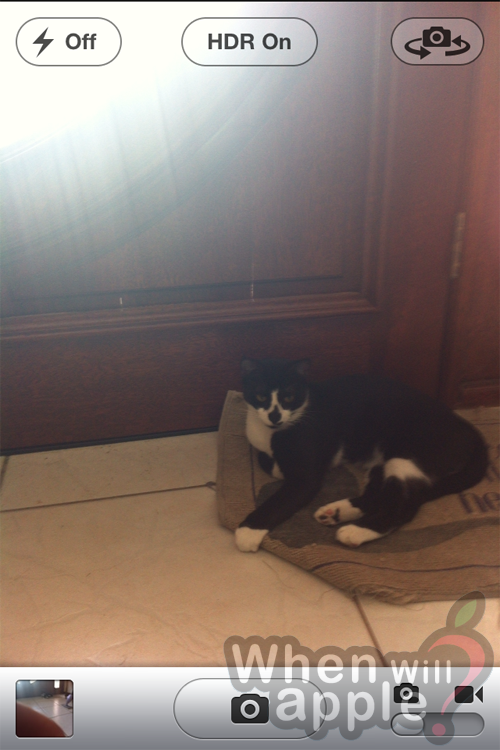
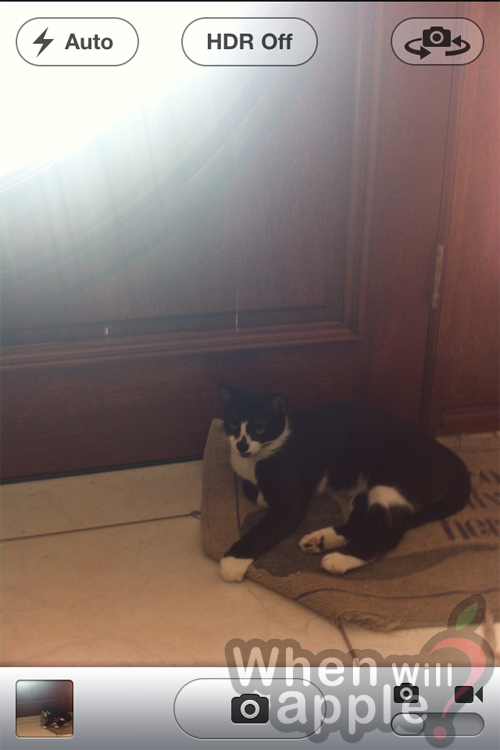
When HDR is on, flash is forced to off mode. If you switch the flash to on or auto, then HDR will automatically go into off mode.
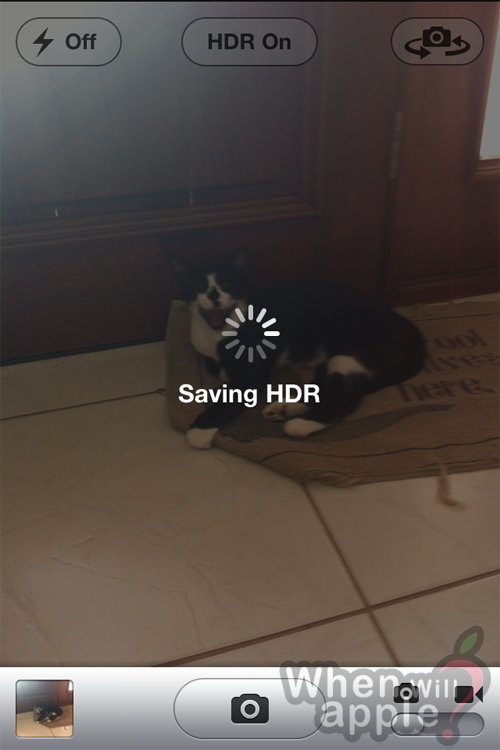
By default, after taking a photo it saves both the regular picture and the HDR version. It takes an extra 10 seconds or so before you can snap your next photo while it creates the HDR photo on the fly.

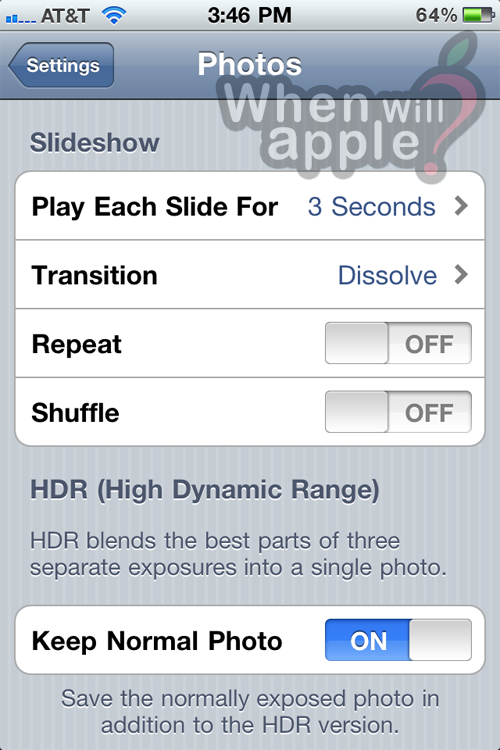
The first picture you take will give you an alert letting you know you can disable the saving of the non HDR version in the photo settings.


When viewing your camera roll on the menu overlay screen, HDR photos are noted with an HDR watermark. Non HDR photos look the same as they do now.
Follow me on Twitter @justin_horn
View 1 Comments
iOS 4.1, iPhone
Recent Post
- More details on the iPad mini new multitouch feature
- iPad Mini predictions
- Zune still the butt of jokes, this time on the Simpsons
- AT&T LTE No Service: Too many LTE iPhone 5 users?
- iPhone 5 cellular usage while on WIFI bug affects AT&T users as well
- Tim Cook responds to iOS 6 Map app issues in public letter
- iPhone 5 screen vs iPhone 4: Really close up
- iPhone 5 line at 5th Ave Apple Store (Updated 11PM)
Featured Post
Comments
Sorry, the comment form is closed at this time.





[...] Here’s a preview of HDR in action from Gizmodo, and the layout from When Will Apple: [...]