Review: Magic Trackpad… turn your computer into a notebook, sorta
by Chiyin on Aug 3rd, 2010 @ 10:56 am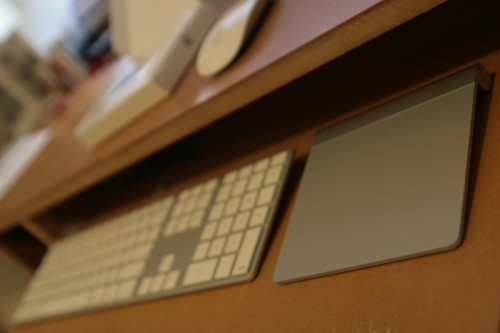
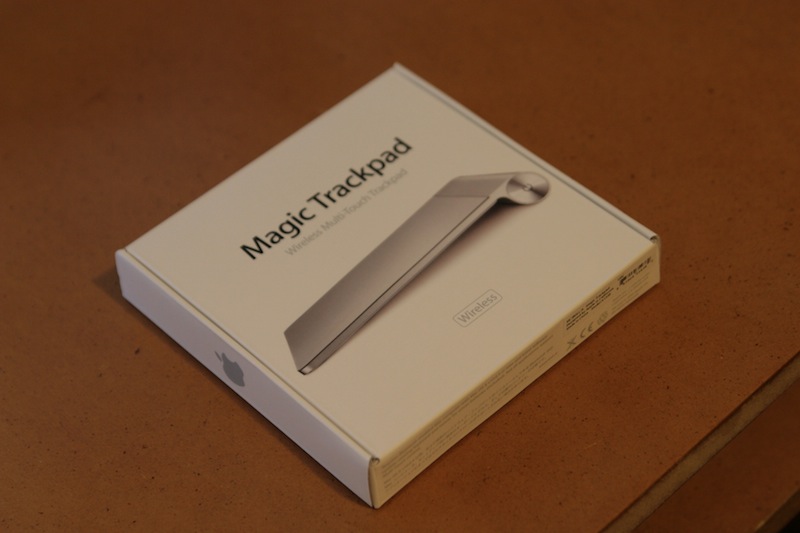
I just received my Magic Trackpad and so far I’m liking it. There really isn’t much to say, it is basically a multitouch trackpad similar to the ones found in MacBooks, just bigger.
Construction wise, the trackpad looks like it’s all aluminum, but inspecting it closely reveals that there is actually a thin glass placed on top of the aluminum base. It has a power button and a bay for battery, very straight forward.
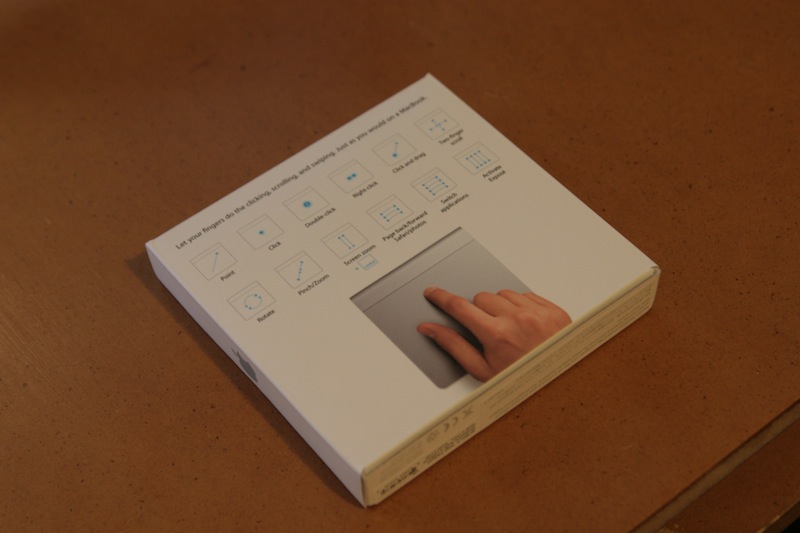
Functionality wise, it takes a bit of getting used to navigating your desktop like a notebook, but if you have used a notebook there really is no learning curve. However, for more precise work, like graphic design and photo editing, a mouse will probably fare better, but for everything else the Magic Trackpad works very well. Maybe with some time and practice I’ll be able to do everything with it.
This is the next logical step for computer input devices. The Magic Mouse, with its multitouch surface, introduced desktop users to navigating with gestures and with more people choosing notebooks over desktops, it is only a matter of time before trackpads replace the mouse as an input device. Perhaps in the future the mouse to be delegated to specific tasks similar to what pen tablets are today.
So should you get it? This I think is a personal preference, so I’ll leave it up to you.
Follow me on Twitter @chiyinng
Recent Post
- More details on the iPad mini new multitouch feature
- iPad Mini predictions
- Zune still the butt of jokes, this time on the Simpsons
- AT&T LTE No Service: Too many LTE iPhone 5 users?
- iPhone 5 cellular usage while on WIFI bug affects AT&T users as well
- Tim Cook responds to iOS 6 Map app issues in public letter
- iPhone 5 screen vs iPhone 4: Really close up
- iPhone 5 line at 5th Ave Apple Store (Updated 11PM)
Featured Post
Comments
Sorry, the comment form is closed at this time.